AI video editor for everyone
No editing experience? No problem. Our intuitive AI video editor makes it easy to create professional, viral-ready videos in just a few clicks.
Build with Enterprise grade tools & platforms











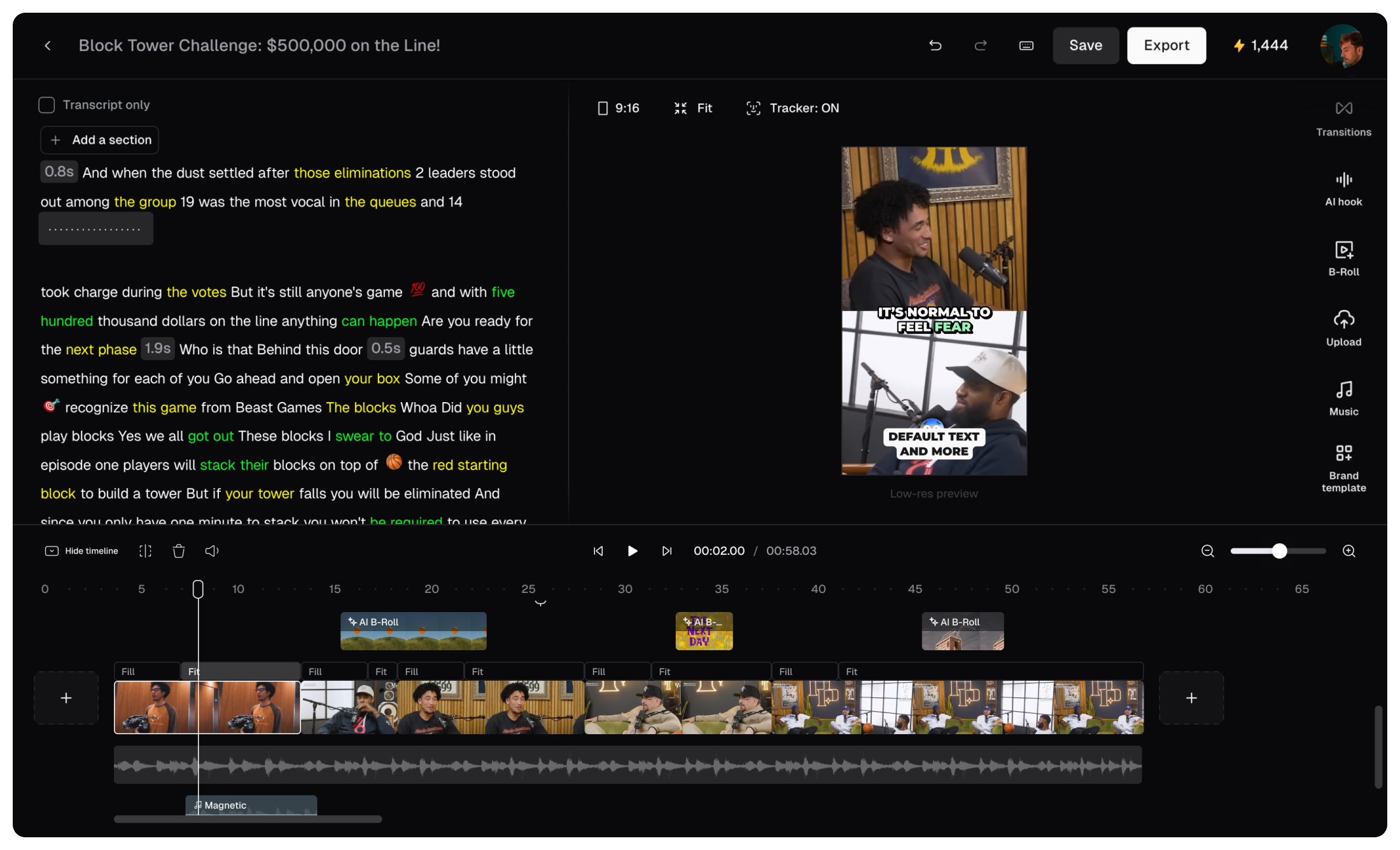
Edit 10X faster with text-based editing and shortcuts
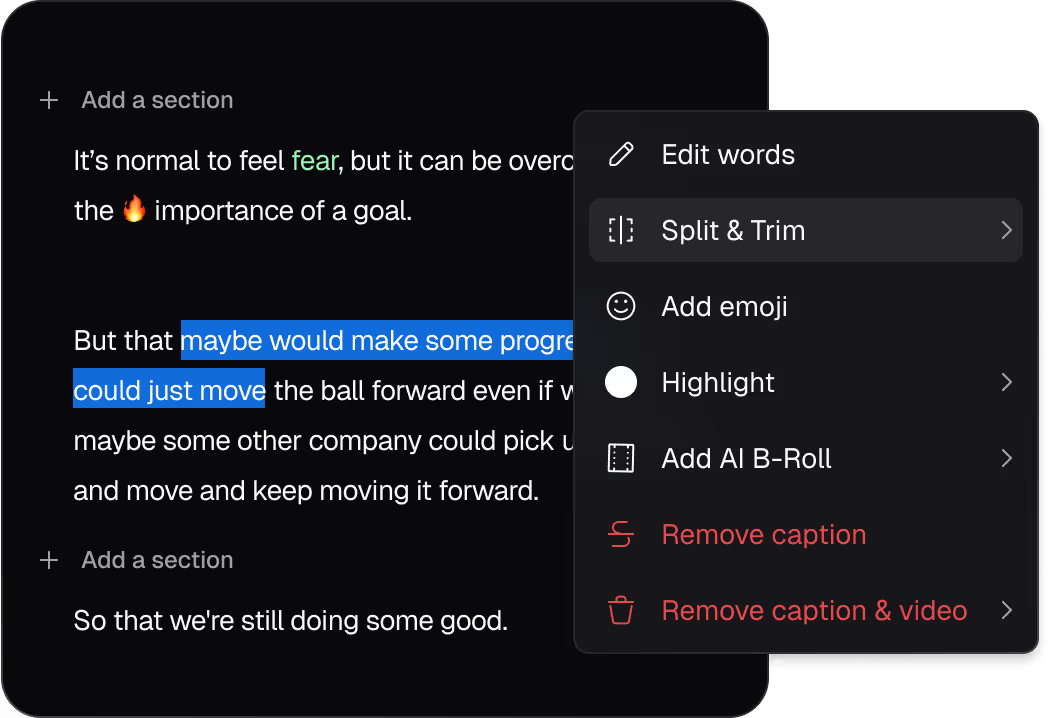
With our AI video editing software, you can skip the learning curve and edit your video like a document. Change words, timing, or styling as easily as editing text.

Quickly trim, extend, reorder scenes, add transitions, and apply layouts with just a few clicks on our AI video editing tool.

Speed up editing with intuitive keyboard shortcuts for quick video creation.

Customize videos with your brand assets
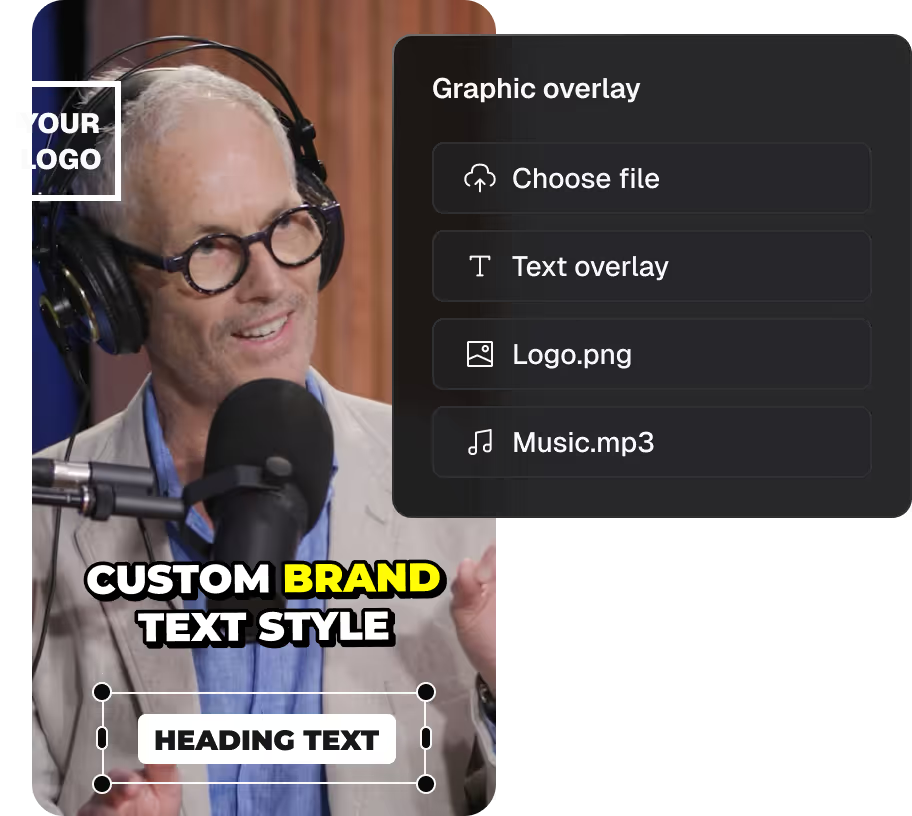
Using our AI video editing tools, you can boost the appeal of your video by adding logos, images, videos, text, graphic overlays, and music.

Add a new hook sentence, or any part from your original video, to the clip result.

Adjust crop ratios to frame your content exactly as you envision with our AI powered video editor.
Use AI to enhance visual and audio in 1 click
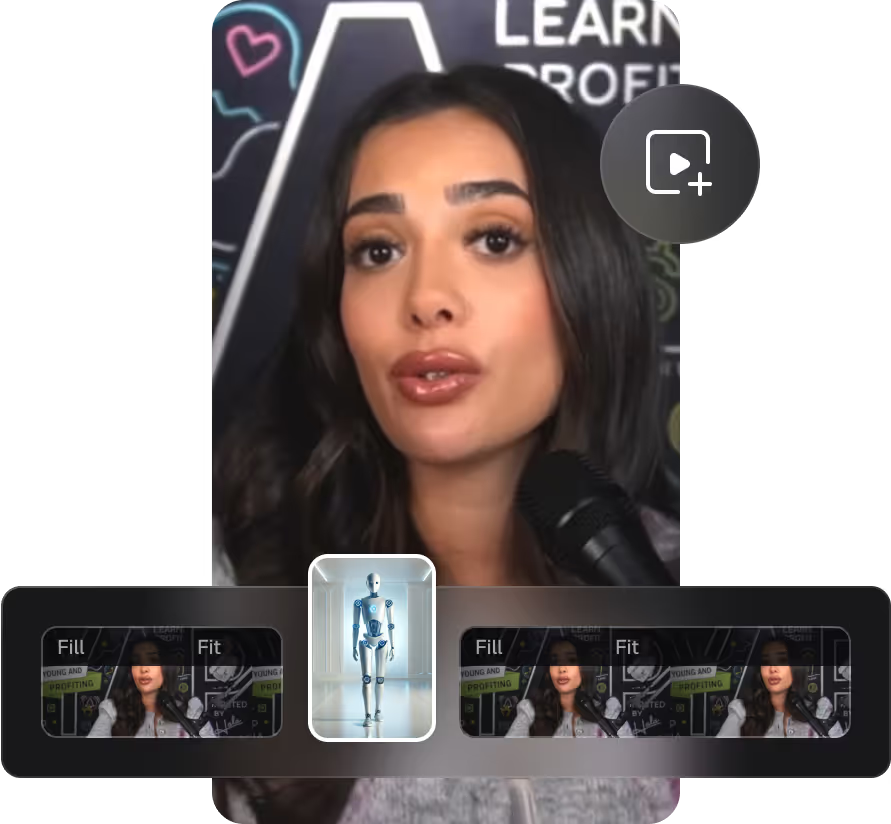
Our AI powered video editing automatically includes contextually relevant B-roll in your video to boost engagement and watch time.
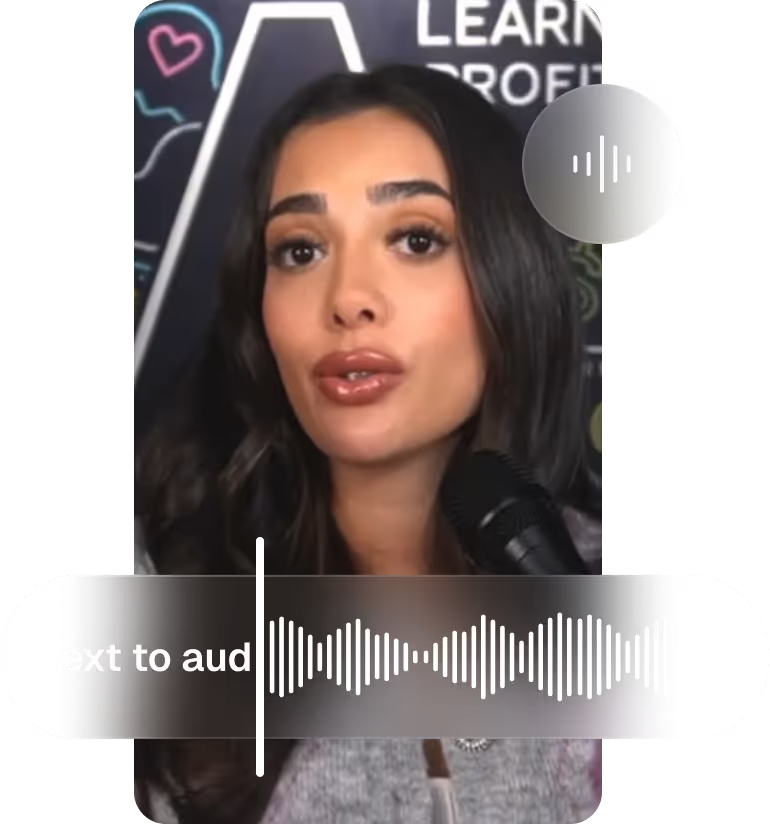
Increase video watch time by adding natural voice-overs in various voices and languages with our AI video editor.

Eliminate background audio and enhance vocals in one click.

To make your speech flow smoothly, remove fillers such as "um," "uh," and pauses automatically.
The easiest AI video editor. No technical skills required
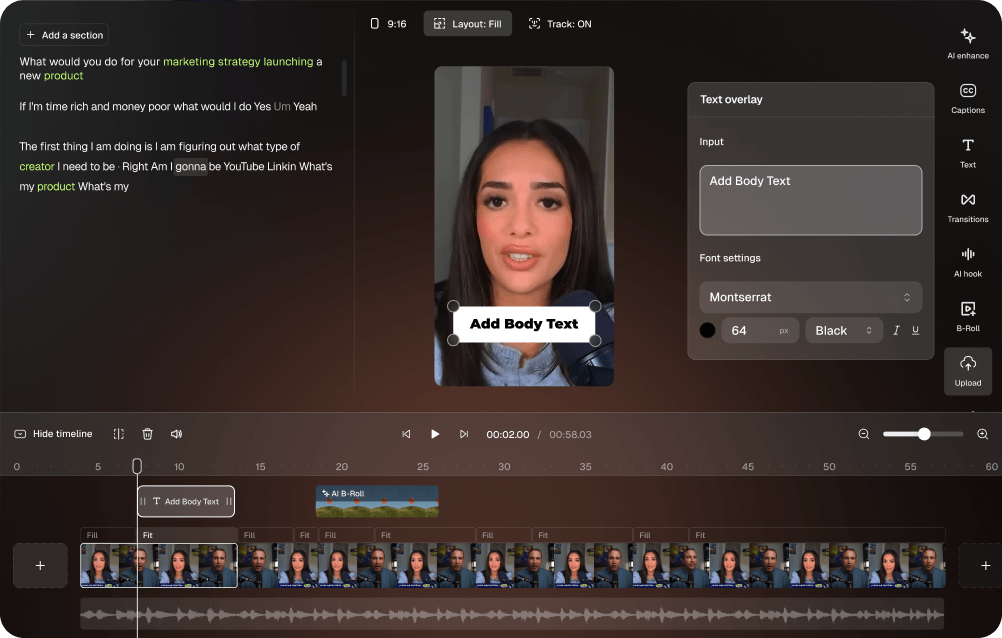
Easy for everyone
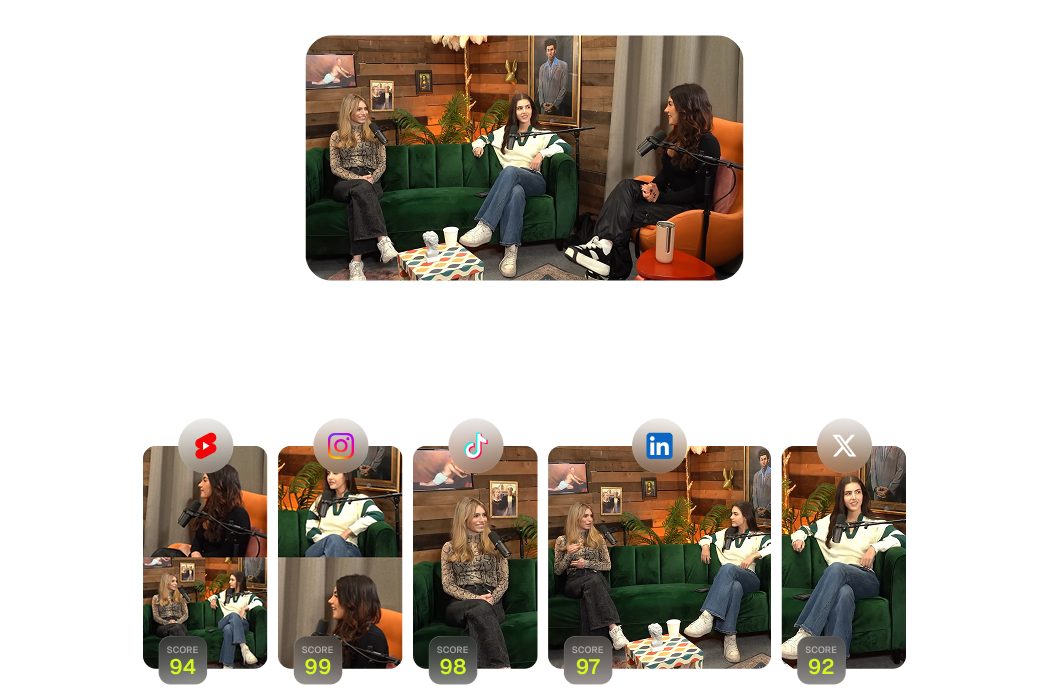
Share everywhere instantly

Connect with your audience
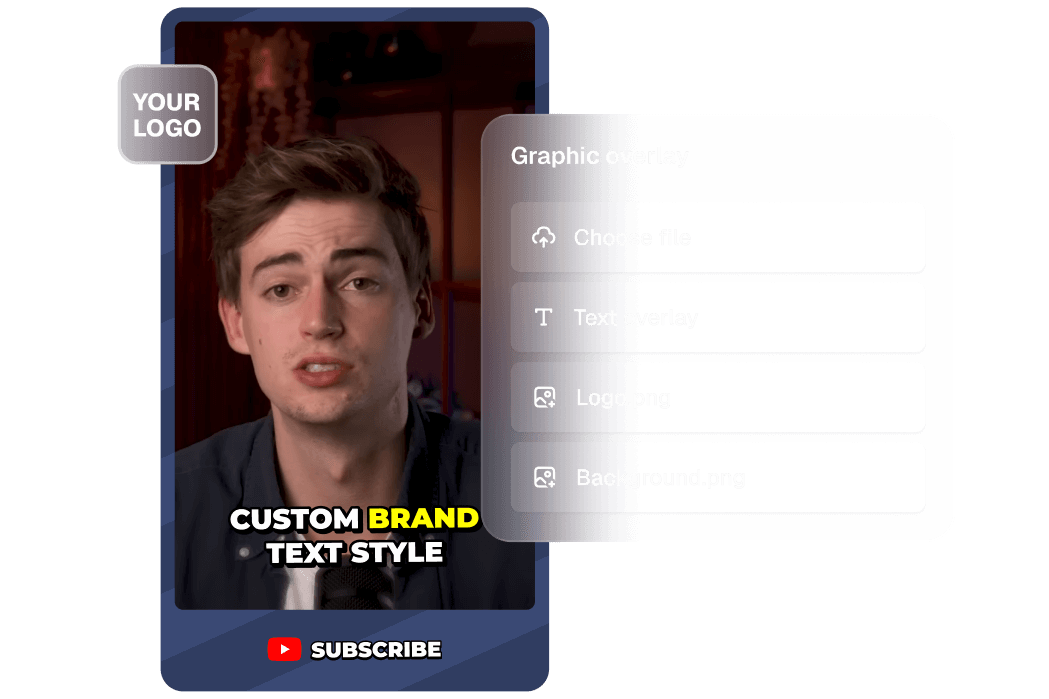
Look professional every time
Clip, edit, post, analyze. All-in-one AI video editing software
Stop juggling multiple apps. Get everything you need with our comprehensive AI video editing software that handles your entire workflow.

AI clipping
shorts in 1 click
AI captioning
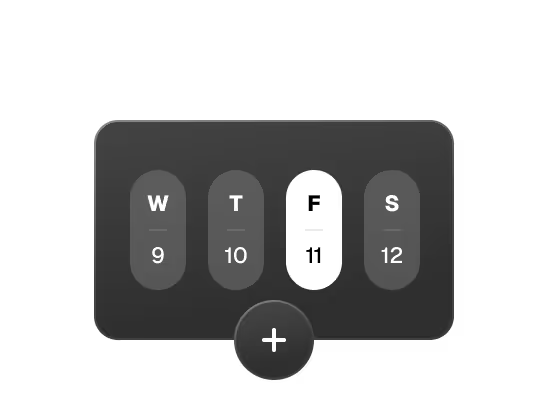
Social media calendar
AI B-Roll

AI voiceover

Analytics
Audio cleaning

AI reframe
Got questions?
How does CodieEditor work?
CodieEditor leverages big data to analyze your video content in relation to the latest social and marketing trends from major platforms, and generates a comprehensive understanding of your video for a data-driven decision on content repurposing. It then picks the highlighting moments of your long video, rearranges them into a viral-worthy short and polishes it with dynamic captions, AI-relayout, smooth transition to ensure that the clip is coherent and attention-grabbing, and ends with a strong call-to-action.
What makes CodieEditor the best AI video editor?
CodieEditor is the best AI video editor because it requires zero editing experience while delivering 4K professional results. Our AI video editing software automatically finds viral moments, adds captions, and optimizes clips for every platform. Simple enough for beginners, powerful enough for professionals.
How does AI video editing software save time?
Our AI video editing software analyzes your entire video in minutes, automatically identifying the best moments and creating polished clips. What used to take hours of manual editing now happens in one click, letting you focus on creating content instead of learning complex editing tools.
What types of videos work with our AI powered video editor?
Our AI powered video editor works with any video type - podcasts, webinars, gaming streams, vlogs, interviews, and more. Whether it's talking-head content or action-packed footage, our AI understands visual, audio, and emotional cues to find the perfect moments.
Why is CodieEditor the best AI video editing software for YouTube and social media creators?
CodieEditor is the best AI
video
editing software for YouTube and social platforms because it combines one-click automation
with smart features like auto-clipping, captions, and AI-generated B-roll and is designed to
save time, improve engagement, and deliver professional results without needing advanced
editing skills.
Our AI video editing software automatically formats your clips for
TikTok, YouTube Shorts, Instagram Reels, LinkedIn, and Facebook. One video becomes
platform-optimized content for everywhere you want to share, saving hours of manual
reformatting and resizing work.
Why is CodieEditor the best AI video editing app for beginners and mobile users?
CodieEditor is designed for creators of all skill levels. Beginners can rely on its intuitive AI features—like automatic clipping, reframing, and captioning—while mobile users can easily produce share-ready clips optimized for TikTok, Instagram, and YouTube Shorts.
What types of videos can I upload?
You can use CodieEditor to clip any video type that you have with our newest model ClipAnything. Whether it's talking-head videos like podcasts and interviews, vlogs, sports, TV shows, or videos with little to no dialogue, ClipAnything understands all the visual, audio and sentiment cues throughout the video, and can clip the best moments from your video. You can also use natural language prompts to clip a specific moment.
Which languages are supported?
We support English, German, Spanish, French, Portuguese, Italian, Dutch, Russian, Polish, Indonesian, Ukrainian, Swedish, Turkish, Norwegian, Croatian, Romanian, Slovak, Greek, Danish, Finnish and more to come.
How can I change my video layout?
CodieEditor offers a variety of layouts in our AI video editor, including fit, split, fill, and the 30/70 gameplay layout, allowing you to customize your video presentation easily. To customize your video layout in CodieEditor, go to “Clip layout settings,” pick your layout, and apply it to specific scenes or multiple segments in the timeline for a seamless look.
How do I add and change captions?
CodieEditor automatically adds captions for you, and you can easily customize their style in our AI video editor, including fonts and colors, for a more personalized touch.
Can I add emojis to my video, and how?
Absolutely! CodieEditor's AI automatically adds relevant emojis for you, and you can easily edit them directly in the text-based editing area in the AI video editor.
What’s the easiest way to add B-Roll?
To quickly add B-Roll in CodieEditor, go to the AI video editor, and then select the text and then click “Generate AI B-Roll” . Our AI automatically generates relevant visuals to your video, saving your editing time.
Can I upload my own images or videos?
Of Course! CodieEditor lets you upload and integrate your own videos, images, and music. You can create custom B-roll footage, design thumbnails, and add background music or sound effects in our intuitive AI video editor, giving you full control to customize your content to match your unique style.
Is CodieEditor free to use?
CodieEditor is free to
use.
If you are a new user, you will enjoy a 7-day free trial of our Pro Plan, which gives
you 90 minutes of video processing time (~30 downloadable clips).
Once your free trial
ends, you can either upgrade to paid subscription, or use our free-forever plan with 60
minutes of video processing time refreshed monthly.
We offer paid subscription plans with
flexible upload credits, available on both a monthly and yearly basis. Please check out
further details above.